Recurring, Household, Term Passes and Visit Packs
WaiverFile supports three kinds of membership, and each can cover one person or a whole household. Pick the type when you create a plan under Memberships › Plans.
Recurring membership
Renews automatically until it's canceled, every month, every year or any interval you choose. The classic "unlimited monthly" plan. Members are charged on their renewal date, and WaiverFile retries failed payments for you (see Membership Settings and Failed Payments).
Term pass
A fixed length of time with no auto-renew, like a summer pass or a season pass. Set the number of days it lasts or fixed start and end dates. You can offer members a renewal before it ends.
Visit pack
A set number of visits paid up front, like a 10-visit pass. Each check-in uses one visit. Set how many visits are included and how many days the pack lasts.
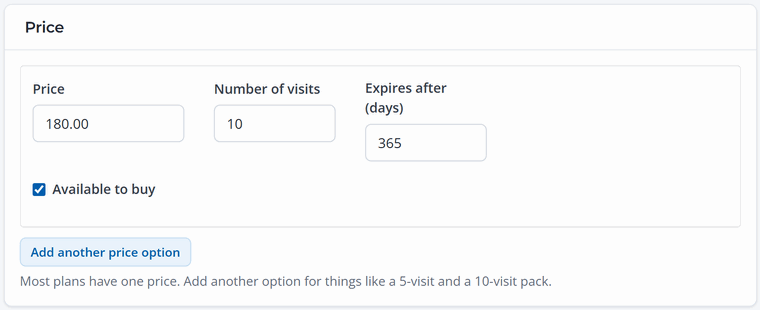
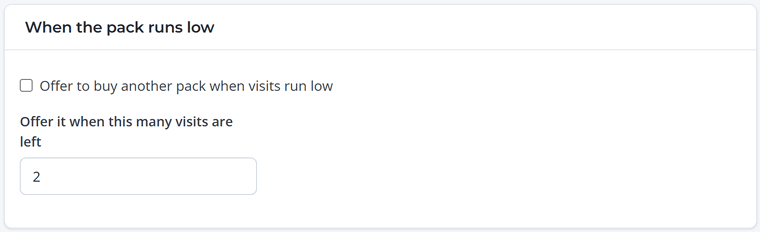
Under When the pack runs low, you can offer members another pack automatically when they're down to their last few visits.
Household plans
Choose A household: one account holder plus other people to cover a family on one membership. The account holder pays, and everyone covered gets their own member card and signs their own waiver (parents sign for kids).
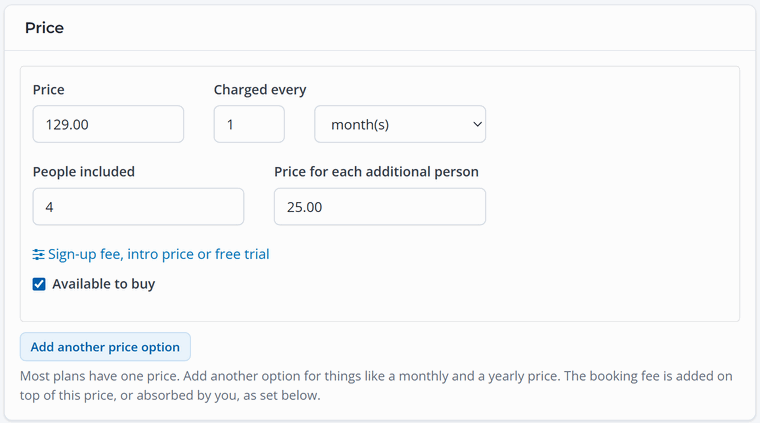
In the price, set People included and the Price for each additional person, for example $129 a month for up to four people and $25 for each extra person.
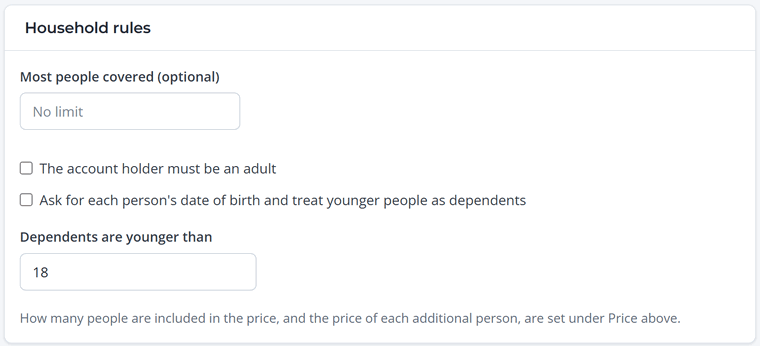
Household rules let you cap the number of people, require the account holder to be an adult, and ask for dates of birth so younger people are treated as dependents.
Which should I use?
- Regulars who come every week: a recurring monthly plan, with a yearly option for your most loyal members.
- Families: a household version of your monthly plan.
- People who come now and then: a visit pack. It's an easy first step toward a full membership.
- Seasonal businesses: a term pass for the season.